Which Hardware Wallet Should You Choose for 2026?
Discover the best hardware wallets for 2026 — compared by security, usability, and transparency. See which are safe for DeFi, daily use, or cold storage. Ranked from worst to best with full pros and cons.
As DeFi, smart contracts, and on‑chain governance become mainstream, using a hardware wallet to store and manage crypto is more than convenience — it’s a security necessity. Not all hardware wallets are equal. Many still fail to reveal crucial information when signing — making blind‑signing a real risk. This guide ranks wallets from worst to best, with full transparency about trade‑offs. It’s built on public security standards, wallet‑architecture basics, and actual threats in the crypto space.
What a Secure, Reliable Hardware Wallet Must Offer
To choose correctly, a wallet should satisfy at least these core criteria:
-
Offline private‑key storage with a secure element: The wallet’s private keys must reside in a tamper‑resistant chip (secure element), preventing extraction even under physical or side‑channel attacks.
-
Clear transaction/message visibility: For smart‑contract calls or structured signatures (e.g. EIP‑712), the wallet should show calldata or message data (ideally decoded), plus metadata (recipient, gas, etc.). Without this, you might approve hidden or malicious instructions.
-
Open-source or auditable software/firmware (or strong vendor transparency): Allows community or independent audit to catch vulnerabilities, backdoors, or malicious logic.
-
Good user interface and ease of verification: A confusing UI or poorly formatted data increases the risk of mistakes during approval.
-
Ecosystem compatibility & correct recovery/backup support: Works with major chains/dApps, supports secure seed phrase recovery, and follows best practices: PIN/passphrase protection, secure backup, tamper evidence.
Failing too many of these points — and a wallet becomes a liability, not a shield.
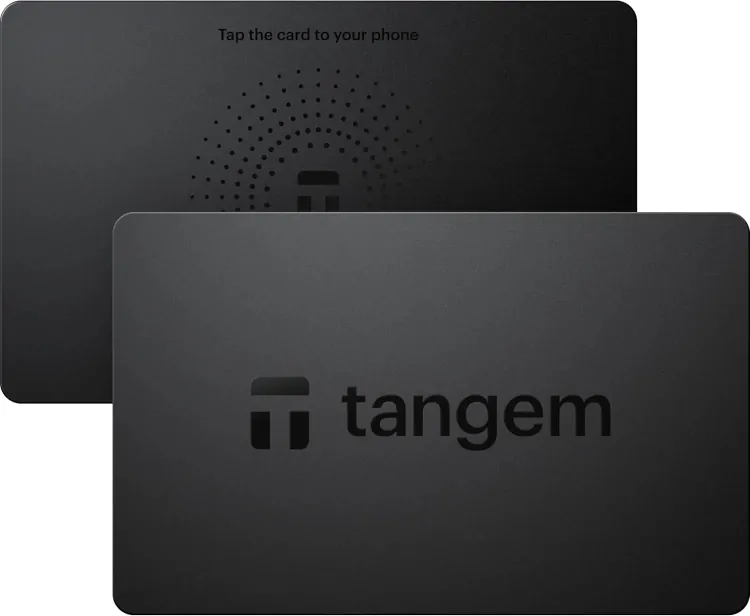
Tangem
Pros
-
Compact, card‑like portability.
-
Some hardware‑level security assumptions (chip-based).
Cons & Risks
-
No support for revealing calldata or signed message details. Transparency is severely lacking.
-
Closed‑source — cannot audit firmware or security implementation.
-
Limited recovery/backup options; often depending on proprietary apps.
Verdict: Not suitable for any serious holdings, DeFi or smart contract interaction. Accept only for trivial, low‑value transfers if at all.
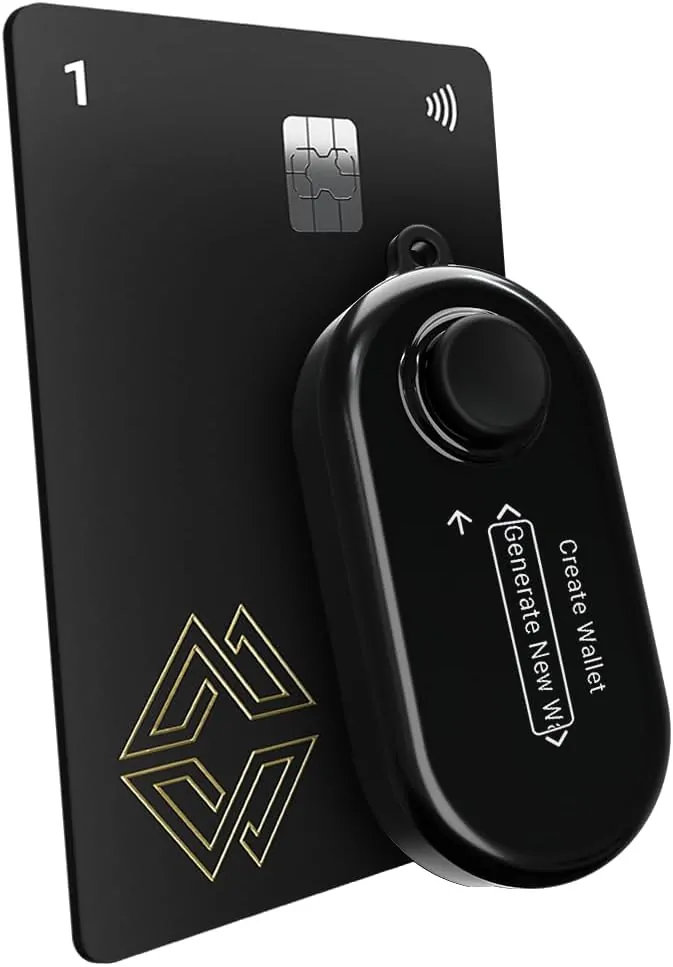
Cypherock
Pros
-
Firmware claimed to be open-source.
-
Uses secure element (or equivalent secure hardware).
Cons & Risks
-
Does not reveal calldata or message data meaningfully — making transaction signing blind.
-
User experience (UI/UX) reportedly poor or cumbersome (e.g. joystick navigation), increasing error risk.
-
Unsuitable for contract interactions or high-stake transfers requiring transparency.
Verdict: Good hardware intent, but failing transparency — avoid for anything beyond minimal use.
Keystone Pro
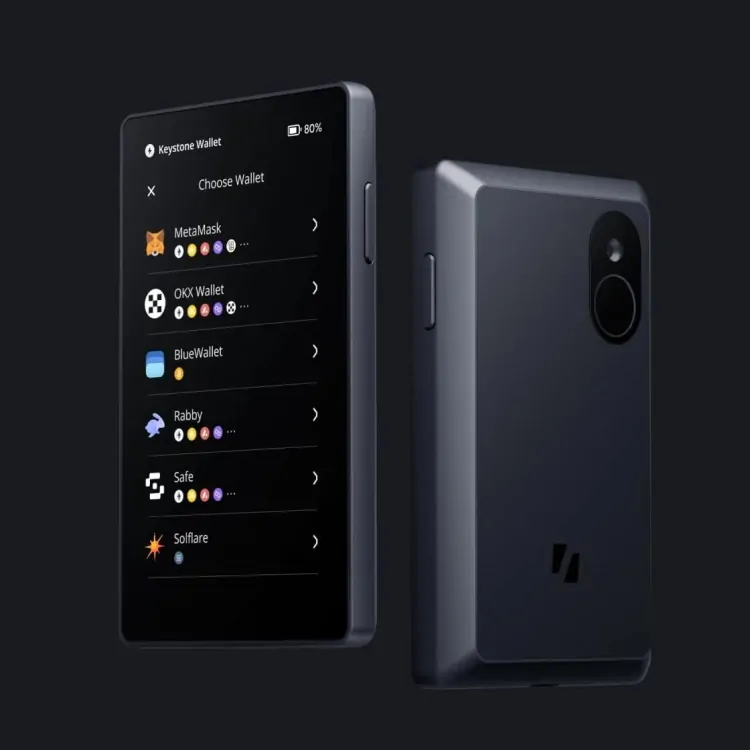
Pros
-
Open-source firmware/software, which is a plus for auditability.
-
Touchscreen interface (more modern than button‑only devices).
Cons & Risks
-
Calldata decoding is reportedly buggy or sometimes incorrect, which undermines trust in the review process.
-
No reliable fallback to raw calldata view — if decoding fails, you cannot verify manually.
-
Risky choice for serious usage due to inconsistent data representation.
Verdict: Experimental — might be interesting for hobbyists, but not safe for serious crypto holdings or contract interactions.
Trezor Model T
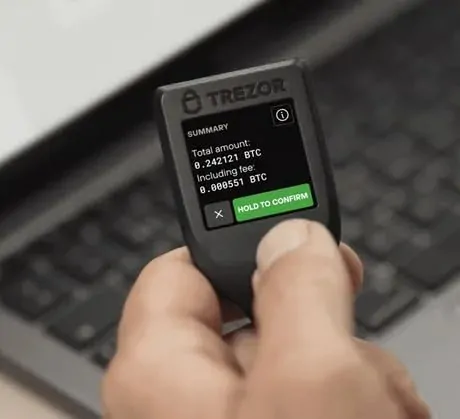
Pros
-
Fully open-source firmware/software — transparency and audit potential are strong.
-
Supports basic transaction signing and simple transfers.
Cons & Risks
-
Does not have a secure element (in many versions), weakening resistance to physical or side‑channel attacks.
-
Calldata message display is raw and not decoded — harder for non‑technical users to review safely.
-
Small screen and limited UI, which becomes problematic for complex contract calls.
Verdict: Acceptable for basic crypto storage and simple transfers — but not ideal if you need contract‑level security or strong hardware protection.
Ledger Nano X
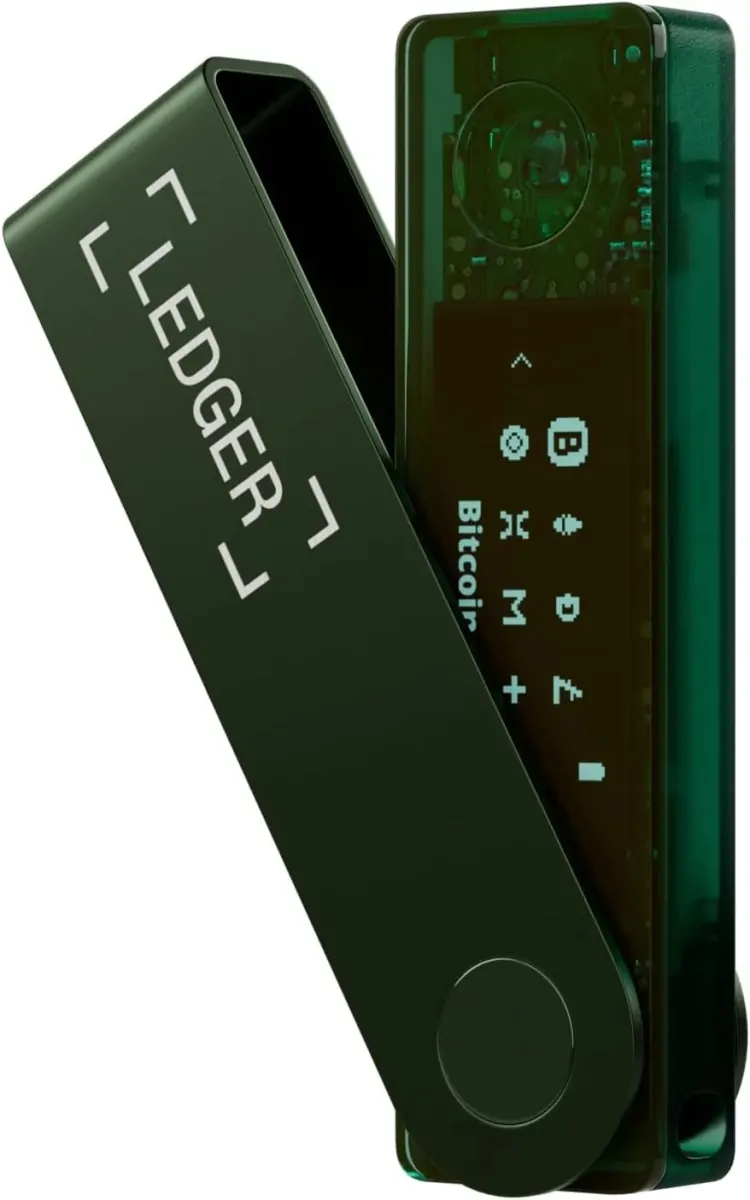
Pros
-
Uses a secure element chip, offering solid defense for private keys against many physical threats.
-
Broad asset & network support, mobile connectivity (Bluetooth), ease-of-use for standard token transfers.
Cons & Risks
-
Closed‑source firmware — transparency is limited.
-
Calldata / transaction display is often opaque or poorly formatted — risky for smart contract interactions.
-
Not optimal for DeFi, contract signing, complex transaction review.
Verdict: Reasonable for beginners or users doing simple transfers and basic crypto holding — but falls short for advanced usage or contract-heavy activity.
OneKey Pro
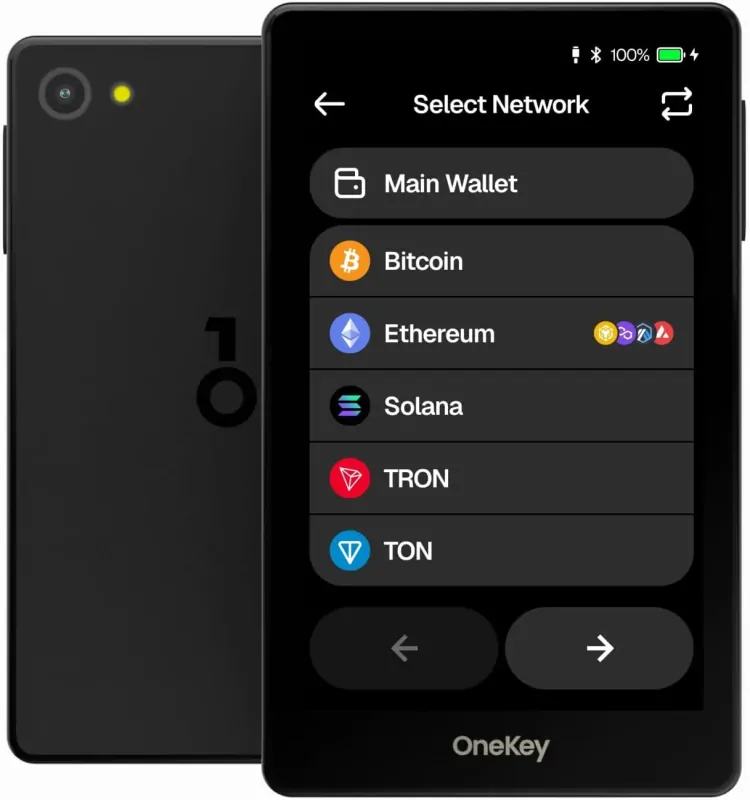
Pros
-
Uses secure hardware (often labelled as EAL6+ secure element) — strong for private-key protection.
-
Offers air‑gap signing (QR/offline), touchscreen; versatile modes — good for users seeking flexibility.
-
Supports multi‑chain, message and transaction signing.
Cons & Risks
-
Firmware or reproducibility claims have seen criticism — full open-source credibility unclear.
-
Calldata is shown but not decoded — demands manual inspection and higher diligence.
-
Device is larger, possibly less convenient, and there’s a learning curve especially for advanced features.
Verdict: A solid mid‑range wallet for users wanting hardware security + flexibility — fine if you’re willing to handle complexity, but not ideal for novices seeking simplicity.
Ledger Flex
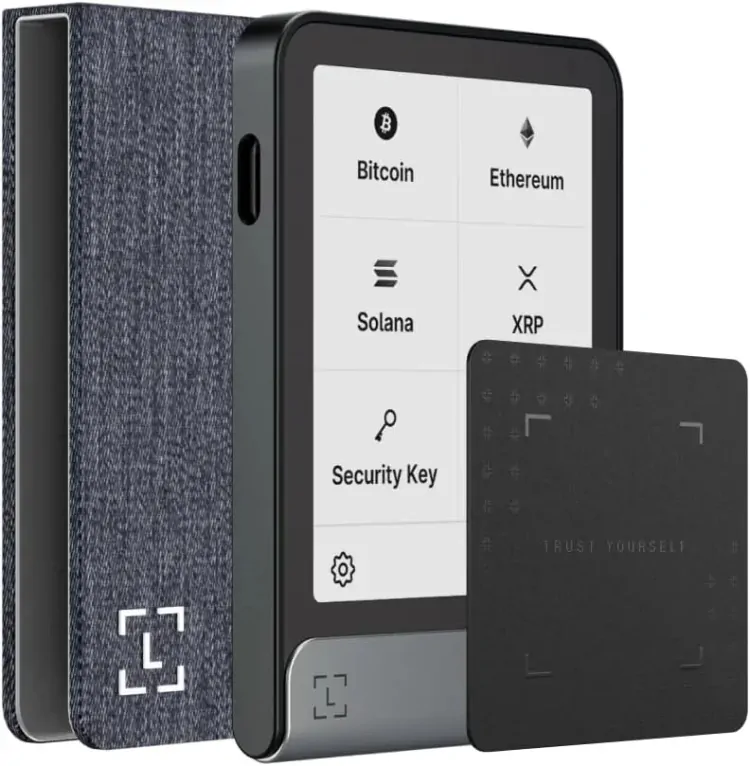
Pros
-
Offers good support for structured-message signing (e.g. EIP‑712) — displays domain/message hashes which helps with transparency.
-
Secure hardware, decent usability — improved compared to older models for convenience.
Cons & Risks
-
Closed‑source firmware reduces trust and auditability.
-
Transaction calldata remains opaque or confusing when interacting with smart contracts.
-
Not designed for heavy DeFi or complex contract usage.
Verdict: Great for everyday users doing message signing, permission approvals, or occasional transactions — but not reliable for advanced DeFi or high-stake contract work.
Trezor Safe 5
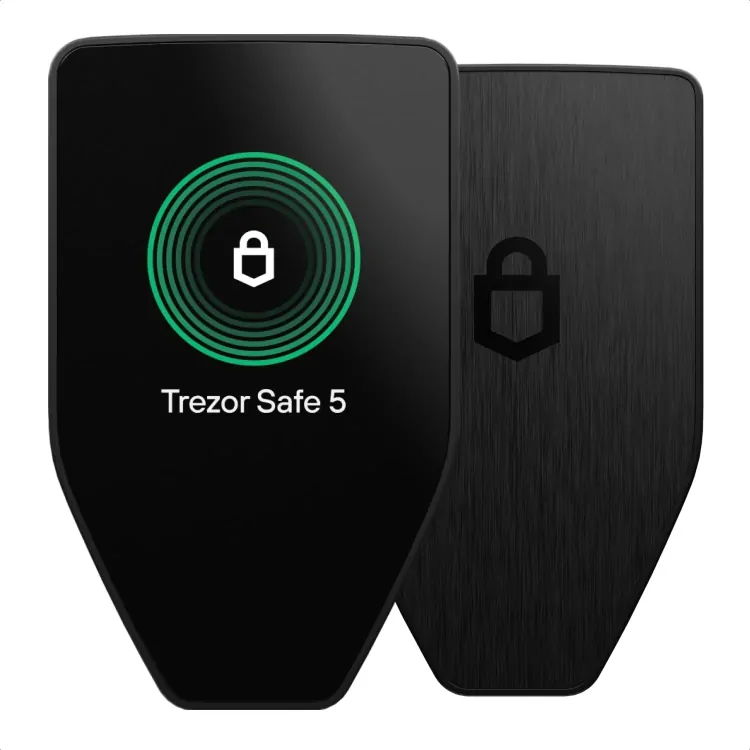
Pros
-
Fully open-source — transparency and community auditability are strong advantages.
-
Uses secure element (for enhanced physical security).
-
Shows full raw calldata and transaction metadata — better than wallets that hide data completely.
Cons & Risks
-
Calldata remains raw (not decoded) — hard to interpret safely without technical knowledge.
-
UI/UX may feel less friendly compared to simpler wallets, especially for non-technical users.
-
No Bluetooth or mobile convenience — may not suit frequent mobile usage.
Verdict: Excellent for developers, auditors, and technically-inclined users needing transparency and control — good for long-term storage, multisig, contract oversight.
Beyond Devices: Crucial User Practices & Security Risks
Owning a hardware wallet doesn’t guarantee safety — how you use it matters critically. Some universal best practices:
-
Always verify the recipient address and calldata on the device screen before approving transactions. Simple mistakes or clipboard‑swapping attacks remain possible.
-
Never store seed phrases digitally; keep them offline or in a secure physical medium.
-
Ensure firmware is up-to-date — vulnerabilities are often patched in updates.
-
Use strong PINs and optional passphrases — not trivial codes.
-
For frequent smart-contract usage, treat it like hot wallet behaviour: limit exposure and move funds back to cold storage after transactions.
| Wallet | Strength | Recommended Use Case |
|---|---|---|
| Trezor Safe 5 | Open-source, secure element, raw calldata support | Developers, security auditors |
| Ledger Flex | Excellent message signing clarity, secure hardware | Day-to-day use, basic DeFi tasks |
| OneKey Pro | Air-gapped mode, strong hardware, solid UX | Flexible users needing usability + security |
| Ledger Nano X | Secure chip, Bluetooth support, widely supported | Beginners, mobile-friendly wallets |
| Trezor Model T | Open-source and beginner-friendly | Users who prioritize transparency and simple use |
| Keystone Pro | Touchscreen and open-source firmware | Hobbyist or experimental users |
| Cypherock | High physical security, distributed key design | Long-term cold storage |
| Tangem | Extremely portable and simple | Casual users storing small amounts |
Final Recommendations & Use‑Case Guidance
-
If you want open-source transparency and hardware security:
→ Go with Trezor Safe 5 — ideal for developers, auditors, and long-term holders valuing full control. -
If you’re an everyday user doing occasional transfers or message signing:
→ Ledger Flex or OneKey Pro are reasonable picks — trade some transparency for convenience and ease of use. -
Avoid wallets that don’t show calldata or structured data properly, or have poor UI/UX — effectively, that’s blind signing, and is often as risky as a software hot wallet.